
GerbView Tutorials
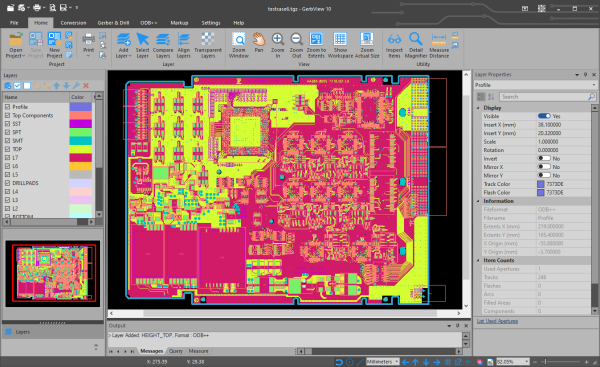
You can find more information on how to use GerbView from the tutorials below.
Here is list of the currently available tutorials:
Conversion
How do I convert RS-274D Gerber files to extended Gerber format?
This tutorial will tell you how to convert one or more older Gerber files to the new extended Gerber format (RS-274X).
How do I convert ODB++ projects to extended Gerber format?
This tutorial will tell you how to convert ODB++ to extended Gerber format (RS-274X).
How do I create layered PDF files with GerbView?
This tutorial will tell you how to create a layered PDF file from multiple Gerber and Excellon layers.
How do I combine positive and negative layers into a single Gerber file?
Show you how to combine a positive Gerber layer with traces with a negative power or ground plane to create a finished Gerber file.
Compare
How do I compare Gerber files with GerbView?
This tutorial will tell you how you can compare two Gerber layers.
Modifying Gerber Layers
How to use markup to add pictures, logos, qr codes and barcodes to a Gerber layer?
This tutorial will demonstrate how you can use the markup feature to add pictures, logos, qr codes and barcodes to a Gerber layer.
You may also use the same method to add other graphic elements like text, lines, polygons and more.
How to use markup to add text to a Gerber layer?
This tutorial will demonstrate how you can use the markup feature to add text to a Gerber layer.
How can I remove unwanted content from a Gerber layer?
This tutorial will deescribe how ou can remove unwanted content from a Gerber layer.
Command Line Interface
How do I use GerbView command line switches?
Here you can find a description of all the available GerbView command line switches.
Usage information is also available for each the switches, for example how to convert one or more files to other formats.


