GerbView Application Themes

GerbView includes several built-in application themes that let you adjust the appearance of the user interface to better match your working style, display setup and PCB inspection environment.


Choose between light, dark and color-accented themes while keeping the same tools for viewing, comparing, measuring, printing and converting PCB manufacturing files.


Customize the GerbView Workspace

By selecting a different theme, you can change the visual style of ribbons, menus, docking windows, layer panels, dialogs, document tabs and other parts of the GerbView workspace.


This makes it easier to create a comfortable working environment when viewing Gerber files, Excellon drill data, ODB++ projects, PCB layers, components, nets and manufacturing documentation.


How to Change the Theme

To change the application theme in GerbView, go to the Settings tab and press the Application Theme button.

After selecting a new theme, the GerbView user interface will be updated to use the selected appearance.


Available Themes

GerbView includes modern light themes, darker interface styles and color-accented themes. The selected theme changes the application appearance only; it does not modify PCB file content or layer data.

Dark Gray Theme

GerbView

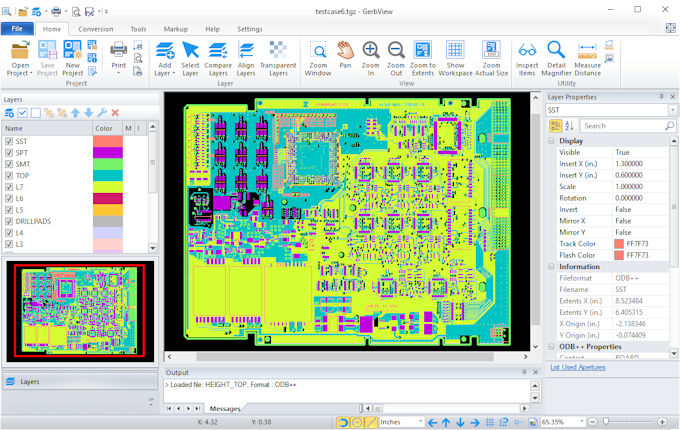
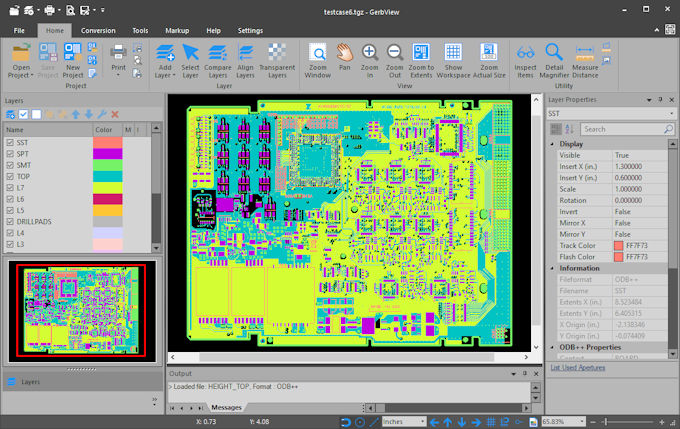
The Dark Gray theme provides a modern dark workspace for GerbView. It is well suited for extended PCB review sessions where you want the application frame, panels and toolbars to be less visually dominant while keeping the board layers in focus.

White Theme

GerbView

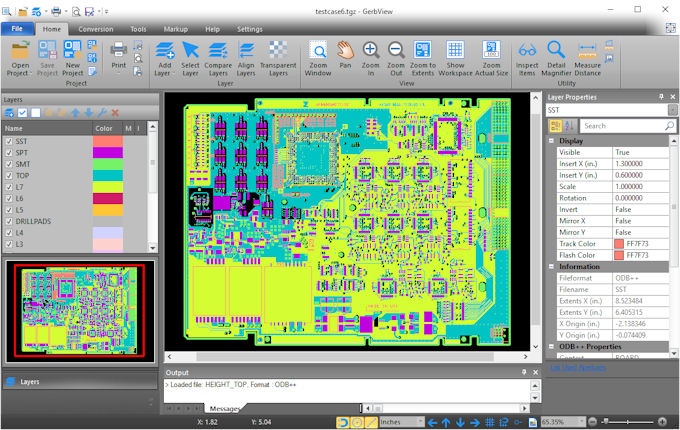
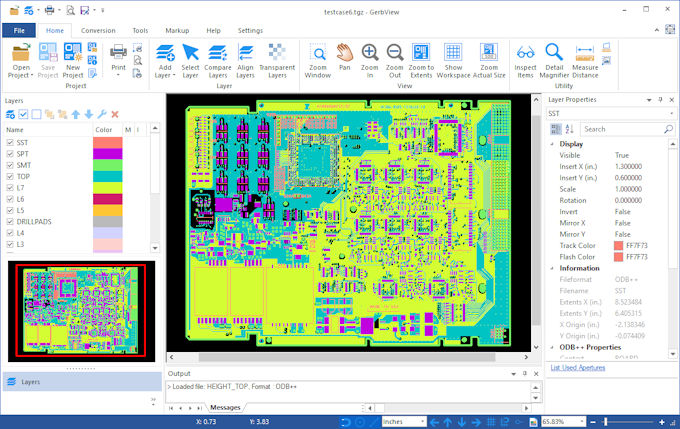
The White theme gives GerbView a clean and bright appearance. It works well in office environments and provides a neutral interface for viewing Gerber, Excellon, ODB++ and other PCB manufacturing files.

Black Theme

GerbView

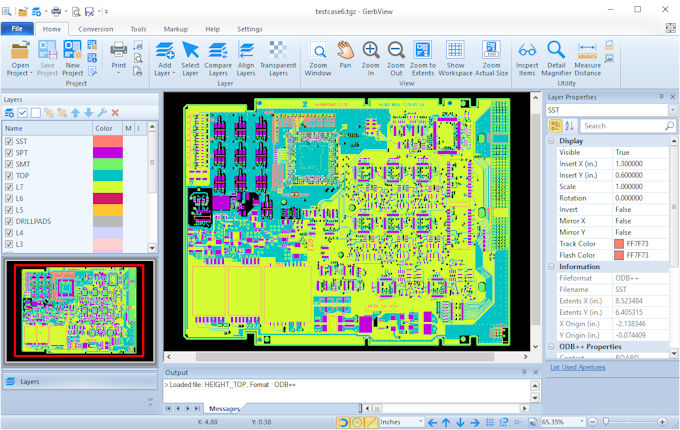
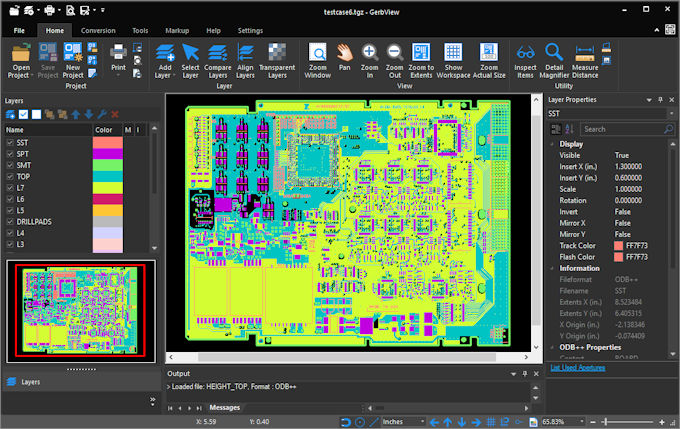
The Black theme offers the darkest GerbView interface style. It is a good choice for users who prefer a high-contrast workspace when inspecting dense PCB layouts, comparing layers or reviewing detailed manufacturing data.

Colorful Theme

GerbView

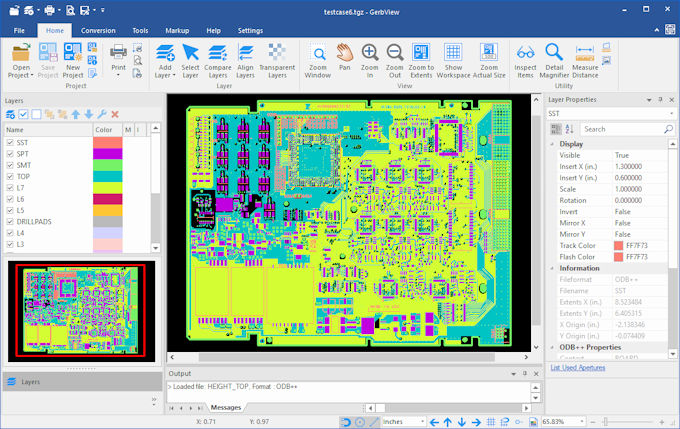
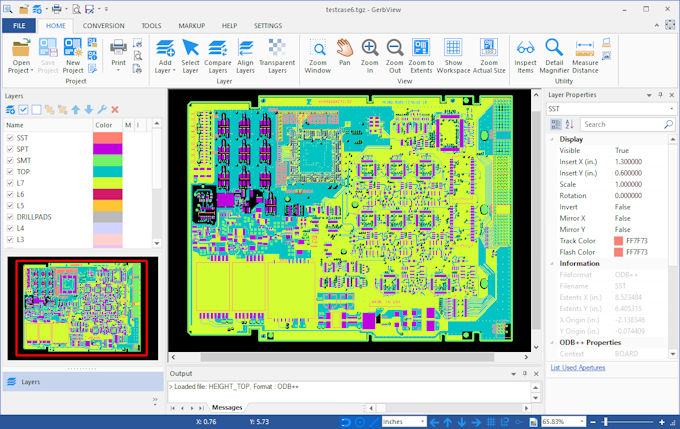
The Colorful theme provides a modern and familiar interface with clear separation between ribbons, docking panels, dialogs and the main PCB viewing area.

Colorful Green Theme

GerbView

The Colorful Green theme adds green accent colors to the GerbView interface while keeping the focus on PCB layers, drill data, components and manufacturing information.

Colorful Red Theme

GerbView

The Colorful Red theme uses stronger red accent colors for users who prefer a more distinctive application style while keeping the same GerbView layout and workflow.

Light Blue Theme

GerbView

The Light Blue theme combines a bright interface with subtle blue accents. It is a comfortable choice for users who want a clean workspace with a softer visual appearance.

Blue Theme

GerbView

The Blue theme gives GerbView a professional blue-accented interface that works well for daily PCB viewing, inspection, printing and conversion tasks.


Application Themes and PCB Layer Colors

GerbView application themes control the appearance of menus, ribbons, docking windows, dialogs, tabs and other user interface elements. PCB layer colors are configured separately and are not affected by the selected application theme.


This allows you to choose a comfortable workspace appearance while maintaining your preferred layer color configuration for Gerber, Excellon and ODB++ files.


Designed for PCB Inspection and Analysis

PCB data often contains many layers, pads, traces, drill holes, component outlines, nets and other manufacturing details. A clear and comfortable user interface can make it easier to focus on the board data itself.


Light themes are well suited for normal office use and bright displays, while darker themes can be more comfortable during long inspection sessions or when working in low-light environments. Color-accented themes can also help make the GerbView workspace feel more distinctive without changing how files are opened, displayed, compared, printed or converted.


Frequently Asked Questions

Can I switch themes in GerbView?

Yes. GerbView includes several built-in application themes that allow you to change the appearance of the user interface.


Do themes affect how Gerber files are displayed?

No. Application themes change the appearance of the GerbView user interface. They do not change the actual Gerber, Excellon or ODB++ file data.


Are PCB layer colors controlled by the selected theme?

No. PCB layer colors are configured separately from the application theme. This lets you choose a comfortable interface theme while keeping your preferred layer color setup.


Are all GerbView features available in every theme?

Yes. The selected theme only changes the visual appearance of the GerbView interface. Viewing, measuring, printing, comparing and converting PCB files work the same way in all themes.


Learn More About GerbView